Diagnosing Missing DNS Glue Records and Cyclic Loops
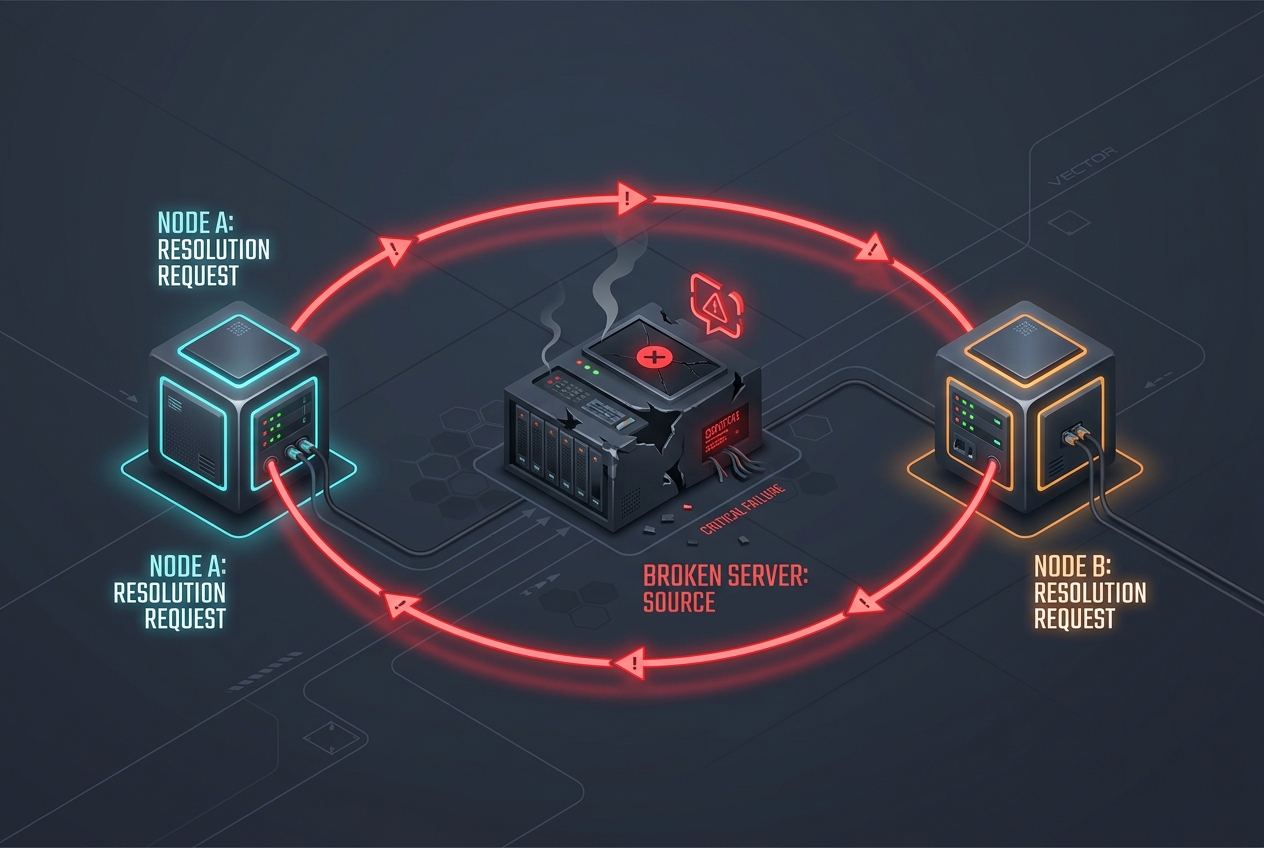
When an authoritative nameserver for a domain resides within the domain itself (for example, ns1.example.com serving example.com), a recursive resolver cannot find the nameserver IP address without querying the nameserver itself. This circular dependency is solved at the parent zone (e.g., the .com registry) using glue records—authoritative A and AAAA records attached directly to the delegation response.
If glue records are missing, out of date, or stripped during a registrar transfer, recursive resolvers worldwide will throw SERVFAIL or fail to resolve the domain entirely. Here is the technical workflow to diagnose, isolate, and fix glueless circular delegation failures.
Understanding In-Bailiwick vs. Out-of-Bailiwick Nameservers
An in-bailiwick nameserver shares the parent domain namespace. For the domain example.com:
- In-bailiwick:
ns1.example.com,ns2.example.com(Requires Glue) - Out-of-bailiwick:
ns1.awsdns-01.org,ns1.cloudflare.com(Does Not Require Glue)
When a resolver looks up an out-of-bailiwick nameserver, it resolves the external domain (e.g., cloudflare.com) through a completely separate resolution tree. For in-bailiwick nameservers, the parent TLD must supply the IP address in the ADDITIONAL SECTION of the referral response. Without this glue, resolution enters an unresolvable loop.
Step 1: Direct Parent TLD Delegation Inspection
Do not test glue records against public recursive resolvers like 8.8.8.8 or 1.1.1.1 because their internal caches can mask missing glue if an intermediate record was previously cached. Query the parent TLD nameservers directly using dig.
First, find the authoritative nameservers for the parent TLD:
dig +short NS com.Next, query one of the TLD root servers for your domain without recursion (+norecurse):
dig @a.gtld-servers.net example.com NS +norecurseA healthy delegation response containing proper glue records will return the nameservers in the AUTHORITY SECTION and their respective IP addresses in the ADDITIONAL SECTION:
;; AUTHORITY SECTION:
example.com.        172800  IN  NS  ns1.example.com.
example.com.        172800  IN  NS  ns2.example.com.

;; ADDITIONAL SECTION:
ns1.example.com.    172800  IN  A   198.51.100.10
ns2.example.com.    172800  IN  A   198.51.100.20
The Failure Condition: If the ADDITIONAL SECTION is completely empty or missing records for some of your nameservers, the parent zone has no glue. Resolvers that do not already have the child zone cached will immediately fail to resolve any hostnames under example.com.
Step 2: Trace Delegation with Delv or Dig
You can observe the resolver loop failing in real-time by tracing the resolution path:
dig +trace +additional example.com AIf the output stops at the TLD level with an NS response but cannot descend into the zone's authoritative servers, examine whether an IP address is associated with the returned NS hosts. In automated scripts, inspect the RCODE and additional record count:
| Response Section | Expected Content | Symptom if Missing |
|---|---|---|
| AUTHORITY | NS records pointing to in-bailiwick hosts |
Domain not registered or dropped |
| ADDITIONAL | A / AAAA records matching the NS targets |
Cyclic dependency / Glueless SERVFAIL |
Step 3: Checking Mismatched Glue (Lame Delegation)
A second, more subtle failure occurs when glue records exist at the parent TLD, but they point to obsolete IP addresses that no longer host your authoritative DNS service. When authoritative servers change IP addresses, administrators often update the zone's A records inside the DNS control panel but forget to update the child host / registered nameserver records at the domain registrar.
Verify that the IP returned by the TLD matches the IP actually answering for the zone:
dig @198.51.100.10 example.com SOA +norecurseIf this query times out (connection timed out; no servers could be reached), the glue IP registered at the registry is dead, and all traffic routed via parent glue is hitting a black hole.
Step 4: Cross-Verification with InfoWebStats
Because regional TLD nodes sync via registry zone file generation cycles, updates to glue records can take anywhere from a few minutes to several hours to propagate across all anycast instances of a TLD. You can independently verify your global nameserver health and parent delegation consistency using the InfoWebStats DNS Lookup tool.
Compare the parent NS/Glue output against the live authoritative response to confirm that both records share identical IPv4 (A) and IPv6 (AAAA) destinations.
Remediation Workflow
- Log into your Domain Registrar (not your third-party DNS provider).
- Locate the section labeled Registered Nameservers, Host Records, or Glue Records.
- Ensure every in-bailiwick host (e.g.,
ns1.example.com) has both its IPv4 and IPv6 addresses accurately populated. - Ensure the zone file inside your authoritative DNS software (BIND, PowerDNS, Knot) contains matching apex
NSand hostA/AAAArecords. - Re-run the non-recursive dig against the TLD server to confirm the ADDITIONAL SECTION immediately includes the updated addresses.