How to Diagnose and Fix DNS Lame Delegation
Published:
18 Oct, 2026
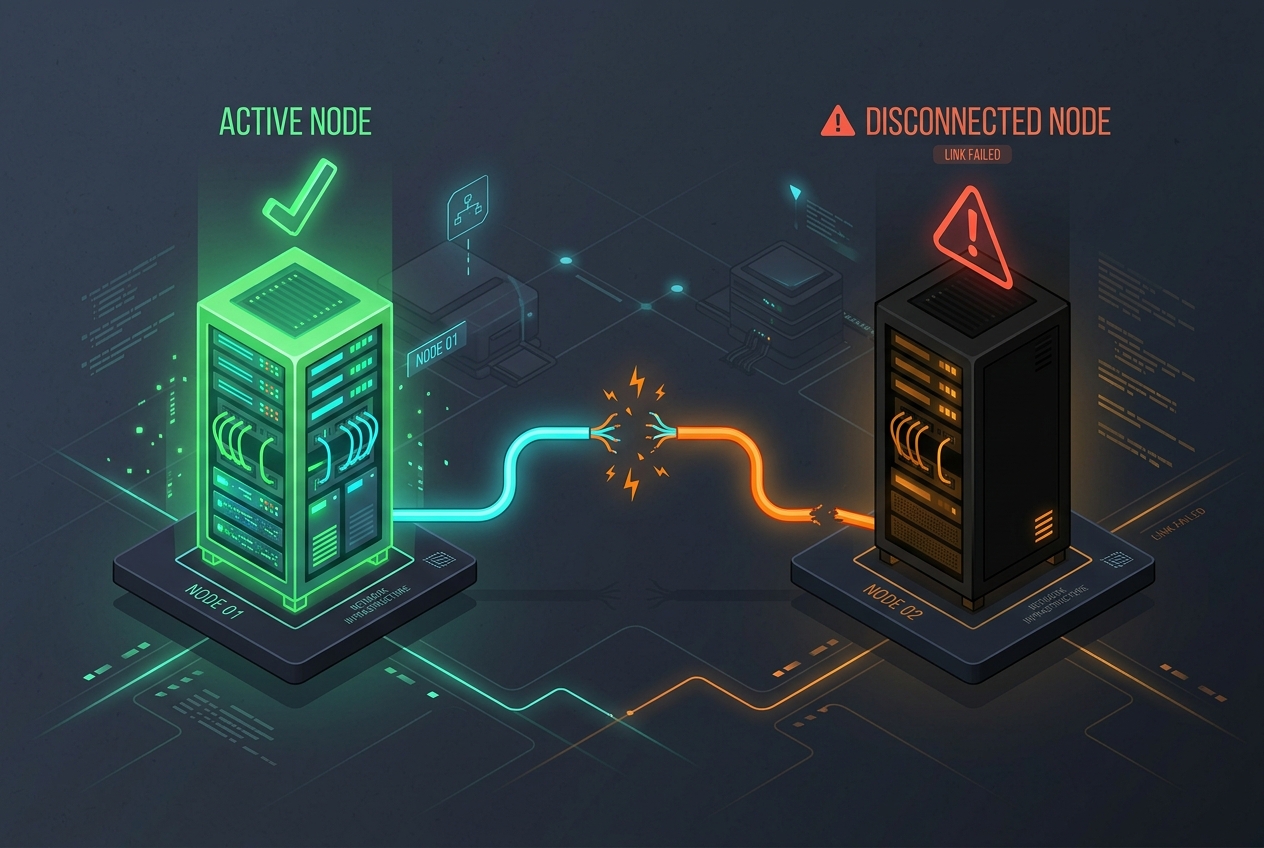
A lame delegation occurs when a parent DNS zone delegates authority for a domain to a nameserver that cannot or will not return authoritative answers for that zone. Instead of returning valid zone data with the Authoritative Answer (AA) bit set, the designated nameserver returns REFUSED, SERVFAIL, answers non-authoritatively from cache, or fails to respond altogether.
While caching recursive resolvers may mask a single lame nameserver by falling back to responsive sibling nameservers, lame delegations degrade resolution latency, increase upstream packet loss, and cause catastrophic resolution failures if all delegated nodes become non-authoritative.
The Root Causes of Lame Delegation
DNS delegation relies on synchronization between two administrative boundaries: the parent zone (such as .com or a registrar’s designated NS set) and the child zone (the apex NS records hosted on the authoritative servers). Lame delegation manifests primarily in four distinct technical failure modes:
- Parent/Child NS Record Discrepancy: The registrar or parent registry still lists a legacy nameserver that was decommissioned or deleted from the child zone’s SOA/NS apex.
- Missing Zone File (REFUSED / NOTAUTH): The nameserver IP matches the parent delegation, but the DNS daemon (BIND, PowerDNS, Knot, or NSD) does not have a zone block configured for the domain.
- Non-Authoritative Forwarder/Resolver in NS Set: An administrator inadvertently registered a recursive resolver or public DNS IP (e.g.,
8.8.8.8) as a domain nameserver instead of an authoritative daemon. - Firewall or Routing Blackhole: UDP port 53 traffic reaches an IP where no daemon listens, causing upstream resolvers to wait for timeouts before trying alternate servers.
Step 1: Discover Parent-Side Delegation Points
To identify the authoritative servers assigned by the registry, bypass local recursive caching and query the Top-Level Domain (TLD) authoritative nameservers directly. For example, for an example domain under .com, obtain the delegation records directly from the Verisign root/TLD servers:
dig +trace +nodnssec NS example.comAlternatively, target a specific TLD server (e.g., a.gtld-servers.net) to inspect the referral payload inside the AUTHORITY SECTION:
dig @a.gtld-servers.net example.com NS +norecurseExamine the output. The response status will be NOERROR with an empty ANSWER SECTION and an explicit list of NS records in the AUTHORITY SECTION:
;; QUESTION SECTION:
;example.com.                   IN      NS

;; AUTHORITY SECTION:
example.com.            172800  IN      NS      ns1.example.com.
example.com.            172800  IN      NS      ns2.example.com.
example.com.            172800  IN      NS      ns-legacy.oldhost.com.

;; ADDITIONAL SECTION:
ns1.example.com.        172800  IN      A       198.51.100.10
ns2.example.com.        172800  IN      A       198.51.100.11
Step 2: Probe Every Delegated Nameserver Individually
Once you possess the list of parent-delegated nameservers, test every single host for authoritative compliance. Execute a query with the recursion-desired bit disabled (+norecurse). A fully functional authoritative nameserver must fulfill two criteria:
- The flags field must contain the aa (Authoritative Answer) flag.
- The status must be NOERROR.
dig @ns-legacy.oldhost.com example.com SOA +norecurseInspect the header and status flags. Below are the three most common indicators of a lame server:
| Query Output Field | Observed Value | Technical Interpretation |
|---|---|---|
status: REFUSED |
No aa flag |
The nameserver is online but explicitly denies authority; zone file is absent or ACL rejects the query. |
status: NOERROR |
Flags: ra present, aa absent |
Lame recursive resolver: The server resolved the record via cache/forwarder rather than owning the authoritative zone. |
;; connection timed out |
No response | Dead delegation: The host is decommissioned, misrouted, or dropping UDP 53 packets. |
Step 3: Check Child Zone Apex Synchronization
Even if an authoritative server responds with status: NOERROR and the aa flag set, compare its child-level NS records against the parent registry delegation set:
dig @198.51.100.10 example.com NS +noall +answerexample.com. 86400 IN NS ns1.example.com.
example.com. 86400 IN NS ns2.example.com.If the child zone only advertises ns1 and ns2, but the registry still serves ns-legacy.oldhost.com, your domain is experiencing a one-way lame delegation. Upstream resolvers like Unbound or Google Public DNS (8.8.8.8) penalize unresponsive or lame servers through adaptive RTT algorithms, but during cache invalidations or TTL expiries, random server selection will trigger resolution latency spikes.
Validating via the InfoWebStats DNS Diagnostic Workflow
Command-line verification across individual nameservers proves local connectivity, but distributed resolvers worldwide may perceive delegation anomalies differently depending on their cached parent records and regional routing paths.
You can verify parent-child parity and nameserver responsiveness globally using the InfoWebStats DNS Lookup Tool. By examining the authoritative nameserver list, SOA serial numbers, and response flags across multiple test vantage points, you can confirm whether:
- All global resolver vantage points see matching NS records at the TLD and apex.
- Every returned authoritative endpoint responds with identical serial numbers.
- Glue records for in-bailiwick nameservers (e.g.,
ns1.example.com) match the A/AAAA records returned by the zone itself.
Remediation Protocols
Depending on which layer hosts the failure, apply the relevant corrective action:
Scenario A: Parent Delegation Is Outdated (Registrar Level)
Log in to your domain registrar or registry portal. Remove any stale nameserver hostnames from the domain’s registered nameserver list. Allow the parent TLD’s TTL (often 24 to 48 hours for TLD referrals) to cycle out of recursive caches.
Scenario B: Zone Missing on Authoritative Host (Daemon Level)
If the server should host the zone, load the zone configuration. In BIND 9 (/etc/bind/named.conf.local):
zone 'example.com' {
    type primary;
    file '/var/lib/bind/db.example.com';
    allow-query { any; };
};
Reload the configuration and verify syntax:
named-checkconf
named-checkzone example.com /var/lib/bind/db.example.com
rndc reload example.com
In PowerDNS (with a generic SQL backend), ensure the zone exists and has active records:
pdnsutil check-zone example.com
pdnsutil increase-serial example.com
Final Verification with delv
To confirm that DNSSEC-validating resolvers do not encounter resolution errors during the transition, use delv (DNSSEC Lookaside Validation):
delv @127.0.0.1 example.com SOA +multilineA non-lame, properly secured delegation returns the SOA record marked with ; fully validated. If any lame node dropped required RRSIG or DNSKEY data during the referral walk, delv will pinpoint the delegation breakdown immediately.